How to Choose a Stage LED Screen Rental in 2026?
Choosing a stage LED screen rental in 2026 is not just about finding the brightest wall. It means matching pixel pitch, screen size, processing, and crew support to the venue and audience. A 2.6 mm screen may look crisp from the front rows, yet add cost without visible benefit in a large outdoor field. The right choice starts with viewing distance, camera plans, ambient light, and the stage layout.
AVIXA’s 2024 Industry Outlook and Trends Analysis valued the global professional audiovisual industry at about $325 billion for 2024, with a forecast of roughly $402 billion by 2029. That figure covers far more than event rentals, so it is useful context—not a rental-market estimate. AVIXA CEO David Labuskes has described pro AV as “a powerful economic engine.” For event planners, the practical point is clear: specialist equipment and skilled operation matter. A screen is only as reliable as its power, signal path, rigging, and onsite team.
Small details count. Ask for the exact panel model, native resolution, spare-panel plan, and a written brightness specification. Check whether the quote includes processors, cabling, setup, rehearsal, and strike. Get the viewing-distance recommendation in writing. Then test the content on the actual screen, not a laptop preview. It can still look different.
There is no universal best screen. A tight ballroom and a sunlit festival stage demand different choices. This guide will help compare specifications, rental packages, and supplier support, while leaving room for a useful doubt: the most impressive specification may not be the best fit.
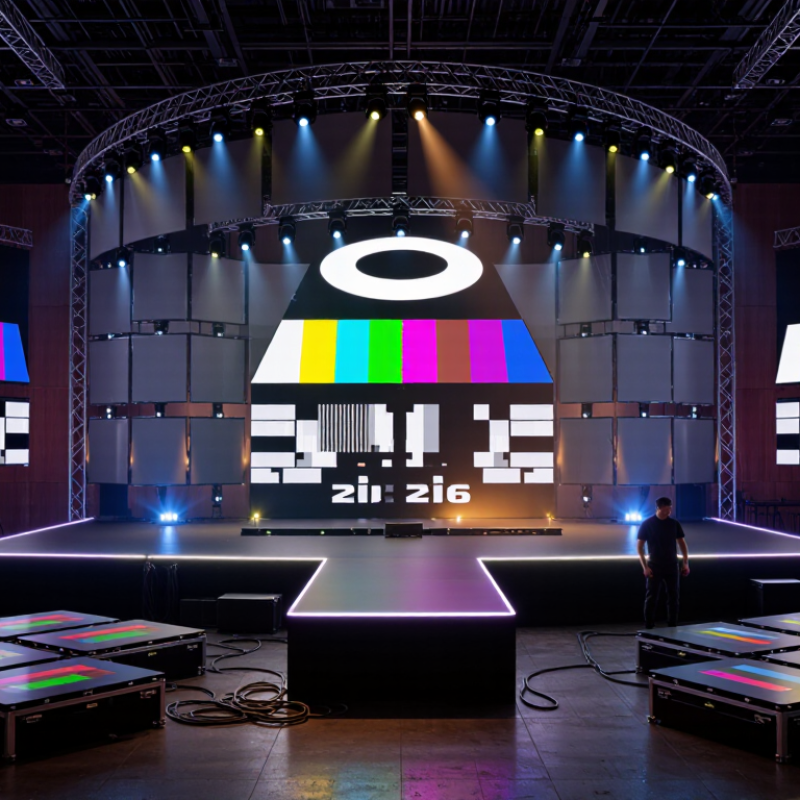
Define the Event’s Visual and Technical Requirements
Start with the viewing experience, not the screen size. Where will the farthest guest sit, and what details must remain readable? A speaker’s face, a product label, and a wide scenic image need different pixel density. Measure the stage opening, sightlines, and audience depth. Small details matter.
Then map the content and venue conditions. Confirm the screen’s aspect ratio, playback resolution, connection type, and whether presenters will use slides, live camera feeds, or both. For camera work, ask the rental team to check refresh behavior and scan lines with the actual cameras. Brightness should suit ambient light; a sunlit outdoor stage needs a different plan from a dark hall. Check power, rigging points, cable routes, and weather protection where relevant.
Put these requirements in writing before comparing quotes. Request a layout showing screen dimensions, viewing distances, support structure, and control position. Ask who supplies processors, signal backups, and an on-site technician, and who tests the full signal path before doors open. Test it early. A first estimate is rarely perfect; venue measurements or a late content change can expose gaps. Revisit the plan after a site walk, even if it feels settled.
Match LED Screen Specifications to the Venue and Viewing Distance
For a stage LED rental, start with the farthest seat, not the stage width. AVIXA’s ANSI/AVIXA V202.01:2016 display-sizing guidance relates image height to viewing distance and task: a common reference is a screen height near one-sixth of the farthest viewing distance for basic viewing, and one-quarter for analytical content. Treat these as planning benchmarks, not guarantees. A wide hall with slides needs more readable image area than a room showing bold graphics.
Then match pixel pitch to the nearest audience row. A 2.6 mm panel can look crisp from the front rows but may be unnecessary for a distant balcony; a coarser pitch can expose visible pixels to close viewers. Check the rental supplier’s recommended minimum viewing distance against your seating plan, and inspect test content from both the front row and the back. Faces, small captions, and thin lines reveal problems quickly. Brightness matters too: sunlight through a side door can wash out a screen that looked vivid during an indoor demo.
Measure the actual room. Ceiling height, camera framing, sightlines, and stage depth can change the usable screen size. I would leave a little room for adjustment; floor plans are often optimistic. It is easy to overspecify resolution, then discover that a lighting truss blocks the best viewing angle.
Choose LED Pixel Pitch by Viewing Distance
A practical starting point for matching a stage LED screen to the audience’s closest viewing position.
Rule of thumb: the minimum viewing distance in metres is roughly equal to the pixel pitch in millimetres. For example, viewers about 3 metres away may suit a pitch of 3 mm or finer. This is a guideline, not a guarantee—content detail, screen size, camera use, and venue lighting can affect the best choice.
Check Rental Providers, Equipment Quality, and Technical Support
Choosing a stage LED screen rental in 2026 starts with matching the provider to the event, not just comparing prices. Ask for a written equipment list, screen dimensions, pixel pitch, and viewing-distance recommendation. A knowledgeable provider should explain why the proposed specification suits your venue. Check recent project photos, but ask whether they show the same equipment being offered. A polished image alone proves little. Small details matter.
Assess the screen before signing. Ask about panel age, condition, brightness consistency, refresh rate, and spare modules. If possible, view a test image on the actual panels. Look for uneven color, flicker, or dark spots, especially near the edges. Confirm that the processor, cabling, and control system are included and compatible with your video sources. Ask how the crew handles a failed panel during setup or a live show. That can be overlooked.
Technical support should be specific, not a vague promise of help. Confirm crew arrival time, setup and testing hours, an on-site contact, and the response plan for signal loss. Discuss power, rigging, weather exposure, and access with the venue team before event day. These checks reduce surprises, though they cannot remove every risk. I would also leave time for a full-content rehearsal; in practice, schedules sometimes get squeezed, and that is worth planning around.
Plan Screen Layout, Installation, Power, and Event-Day Operation
A stage LED screen should fit the room, not just the stage drawing. Check audience distance, sightlines, ceiling height, and camera framing before choosing screen dimensions and pixel pitch. A screen that looks sharp from the front may appear distracting up close. Map the layout with the stage, lighting positions, and walkways shown clearly. Small details matter. Ask the rental team for a scaled plan and confirm who approves the final placement.
Installation needs a realistic load-in schedule. Confirm access routes, rigging points, floor limits, and setup time with the venue and qualified technicians. For outdoor events, plan for wind and moisture, and agree on a safe response to changing conditions. Power needs deserve their own check. Ask for the screen’s expected load, distribution plan, and connection requirements; do not assume nearby outlets can support it. Leave time to test the full signal path, including the playback source and any processors. Test it early.
On event day, assign one person to communicate screen changes and another to manage playback cues. Check brightness under actual stage lighting, verify image and audio timing, and keep compatible cables and spare components accessible. A cue sheet helps, but it will not prevent every last-minute change. Build in a brief rehearsal and a clear fallback plan, such as holding a static image if playback fails. Planning can still miss something; treat the first technical run as a chance to find and fix it.
Compare Quotes, Rental Terms, and Contingency Options
A low rental quote may omit costs that appear on show day. Compare each proposal against the same screen size, pixel pitch, brightness, and viewing distance. Ask whether the price includes processors, signal cables, delivery, installation, and strike. Details matter. A 4 mm screen may suit a large outdoor stage, but look coarse from the front row. Request a layout showing the screen dimensions and audience sightlines.
Read the rental terms, not just the equipment list. Check setup and teardown hours, overtime rates, venue access requirements, and who supplies power. Confirm whether a technician stays during the event or leaves after testing. Ask what happens if the schedule slips. One overlooked detail can change the budget. Cancellation rules and weather limits deserve a careful look, especially for outdoor stages.
Contingency options should be specific. Ask whether spare panels, a backup processor, and replacement cables are available onsite. Find out how quickly a technician can respond if a panel goes dark during a performance. For outdoor use, clarify the screen’s rated weather protection and the plan for wind or rain. A promise of “support” sounds reassuring, but it needs a response time and named responsibilities. I would also question whether every spare part is truly necessary; the right backup depends on screen size, event length, and repair access.